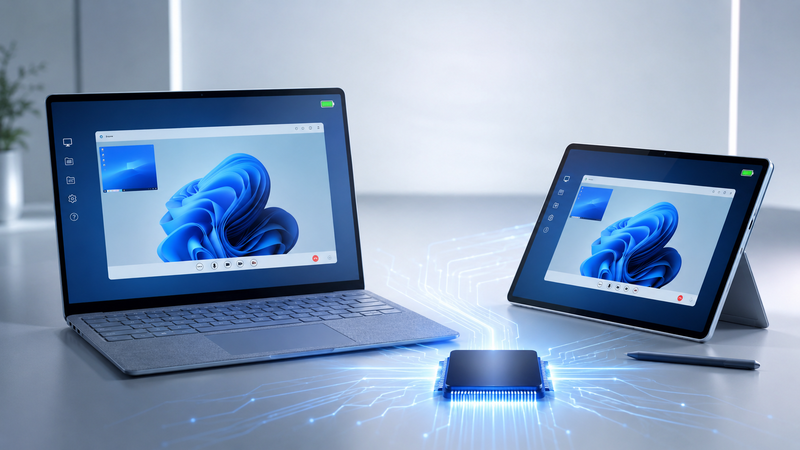
We're excited to announce that TSPrint now natively supports ARM64 architecture - delivering full-speed remote printing on the latest Windows on ARM devices, including Microsoft Copilot+ PCs powered by Snapdragon X Elite and Snapdragon X Plus processors.
Why This Matters
Until now, TSPrint ran on ARM devices through x86 emulation. It worked, but emulation comes with trade-offs - higher CPU usage, slower print job processing, and increased battery drain on mobile devices.
With native ARM64 support, those trade-offs are gone. TSPrint now runs as a true ARM64 application, taking full advantage of the hardware without any emulation layer in between.
What's New
- Native ARM64 binaries - no emulation, no compatibility layers
- Optimized for Snapdragon X Elite/Plus - leveraging the full power of Qualcomm's latest processors
- Full compatibility with Windows 11 on ARM - including Microsoft Surface Pro and Surface Laptop devices
- Linux ARM64 client support - for environments running ARM-based thin clients
- Copilot+ PC ready - certified for the next generation of AI-powered Windows devices
Performance on ARM
85%
Faster than alternatives
40+ TOPS
AI performance on supported hardware
22h
All-day battery life preserved
By going native, TSPrint eliminates the overhead of emulation — meaning print jobs process faster, CPU usage stays low, and your device's battery lasts as long as it should.
Supported Devices
TSPrint ARM64 native support works on:
- Microsoft Surface Pro (ARM-based models)
- Microsoft Surface Laptop (ARM-based models)
- Lenovo ThinkPad X13s and newer ARM laptops
- Samsung Galaxy Book Go and similar Snapdragon-powered devices
- Any Windows 11 on ARM device with Snapdragon X Elite, X Plus, or Snapdragon 8cx processors
- Linux ARM64 thin clients in RDS/Citrix/VMware environments
How to Get It
The ARM64 native version is included in the latest TSPrint release. Simply download TSPrint and the installer will automatically detect your architecture and install the correct version - no manual selection needed.
Existing customers with an active license can upgrade at no additional cost. If you're new to TSPrint, you can start a free trial to test it on your ARM device.
Full Architecture Support
With this release, TSPrint now covers all major Windows architectures:
| Architecture | Server Support | Client Support |
|---|
| x64 (64-bit) | Windows Server 2012–2025 | Windows 7/8/10/11, Linux, macOS |
| x86 (32-bit) | Windows Server 2003–2016 | Windows XP–10, Linux, macOS |
| ARM64 (native) | Windows 11 on ARM | Windows 11 on ARM, Linux ARM64 |
Whether your infrastructure runs on traditional x86/x64 servers, or you're rolling out the latest ARM-powered Copilot+ PCs to your workforce - TSPrint has you covered.
Ready to try TSPrint on ARM? Download the latest version or contact us if you have any questions about deploying TSPrint in your ARM environment.


